A better macOS Globe key



The Globe key on macOS is a strange key.
Ostensibly, Apple added it so users could easily change keyboard layouts to switch between different languages. In practice, however, the vast majority of users only need two "languages": their mother tongue and the emoji keyboard. The same key also serves as an underutilized fn button—a role that has become ubiquitous on Windows and Linux keyboards, but which has seen relatively little use on macOS.
By having two jobs, the Globe key ends up being bad at both. And when it comes to changing languages, it fails because it introduces a 300–500 ms delay while the system waits to see whether the user intends to press and hold the key as part of another shortcut.
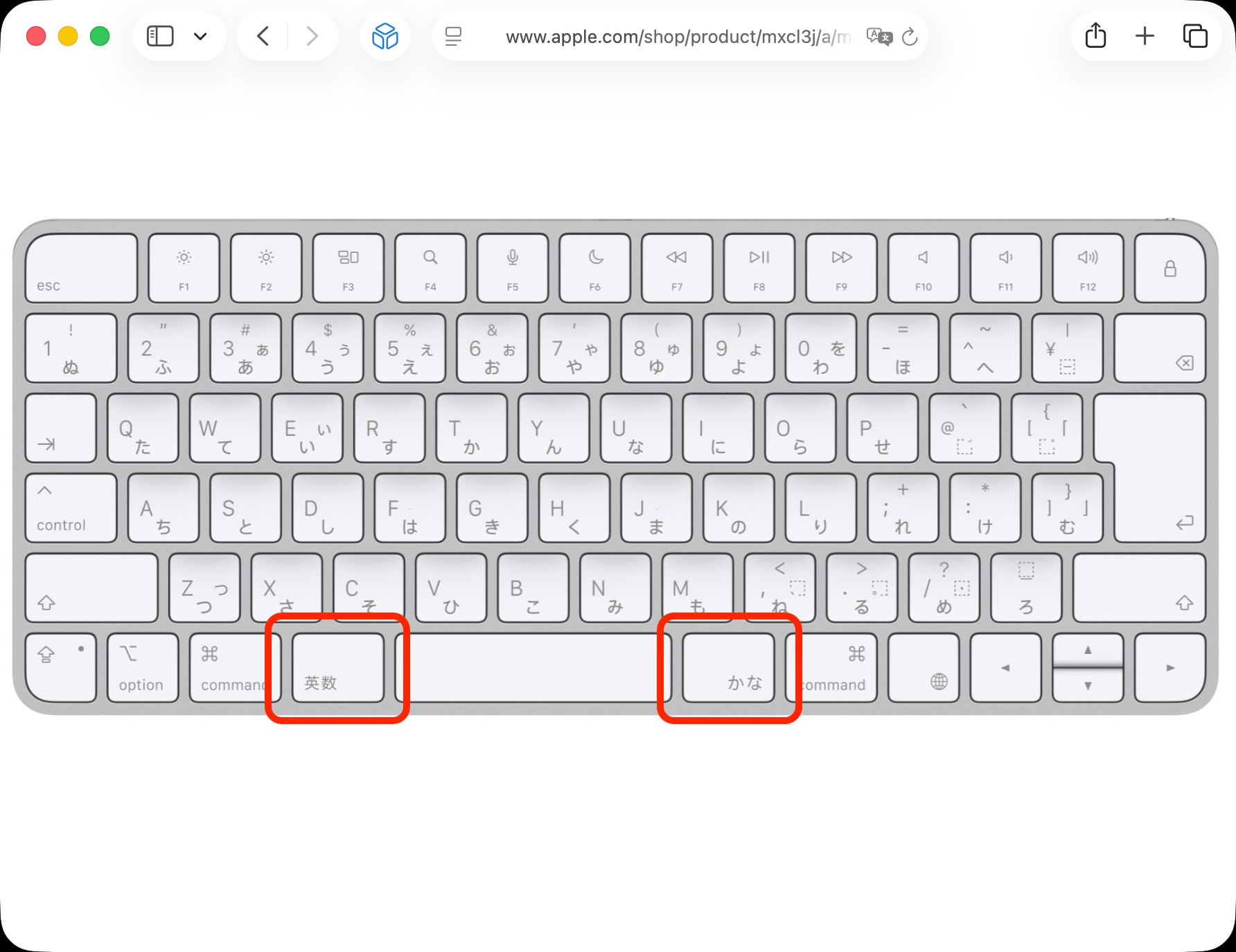
This is way too slow if you actually need to switch keyboard layouts rapidly. And nobody needs to do that more than Japanese users, for whom half-width English characters and full-width kana and kanji are routinely interspersed within a single sentence or web form. (This is why Japanese hardware keyboards have dedicated, instantly responsive keys on either side of the layout for switching between English characters and Japanese input modes in a single keystroke—without requiring the user to mentally track the current modal state of the keyboard.)
While I can't magically add another physical key to my U.S. keyboard, tools like Karabiner-Elements or Keyboard Maestro can take over the Globe key and make it switch layouts instantly.
Since I already have Keyboard Maestro running, that's what I used to fix this. You can download the macro here.
To set it up:
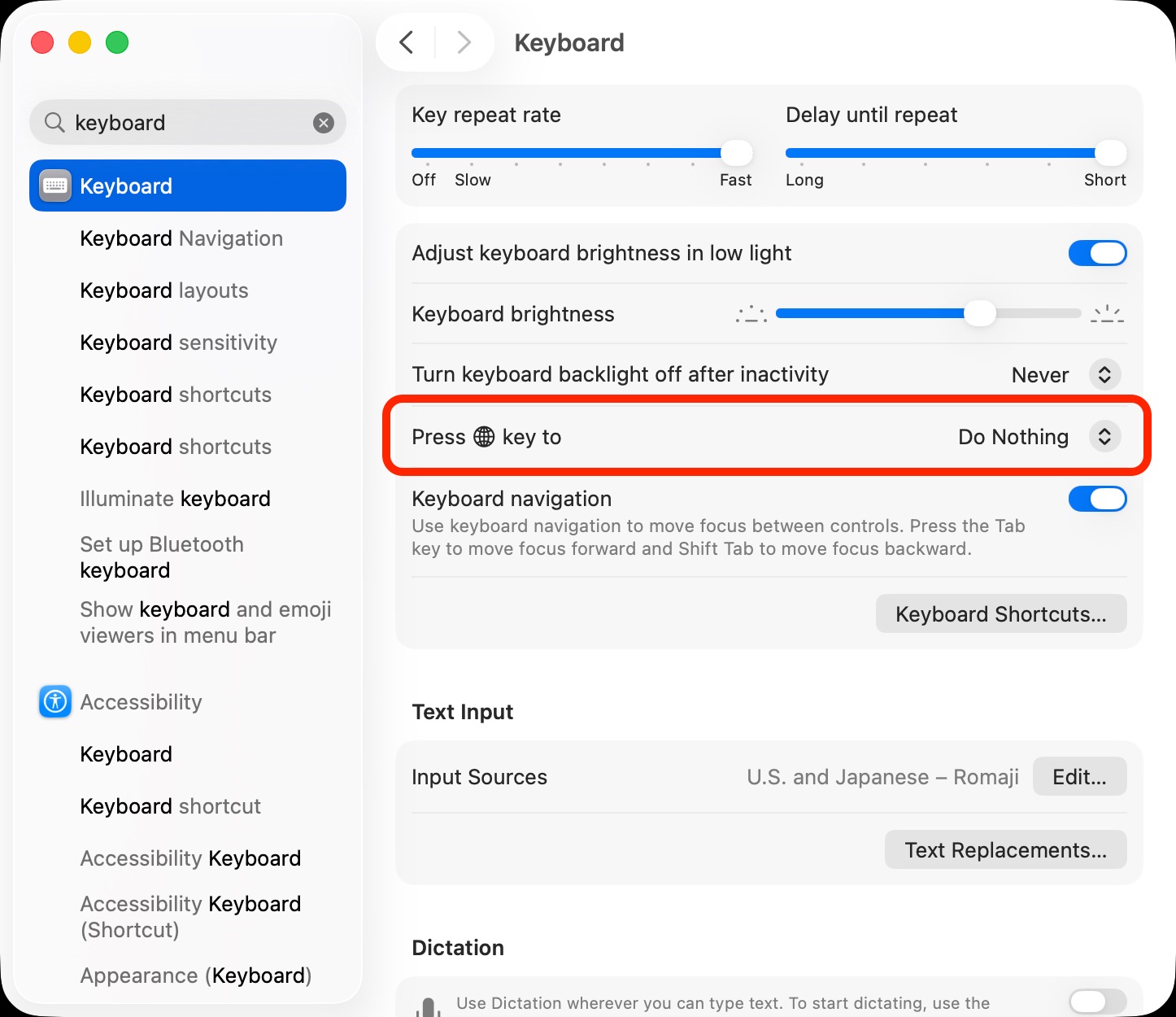
- Open System Settings → Keyboard.
- Set Press 🌐 key to to Do Nothing.
- Double-click the macro to add it to Keyboard Maestro, and make sure it's enabled.
Once configured, you can switch between the two keyboard layouts instantly—without waiting for the operating system to catch up.